Reviewed by the Penny Time editorial team
Part of our Money Skills hub.
Best Money Games for Kids by Age (3-17): A Parent's Guide
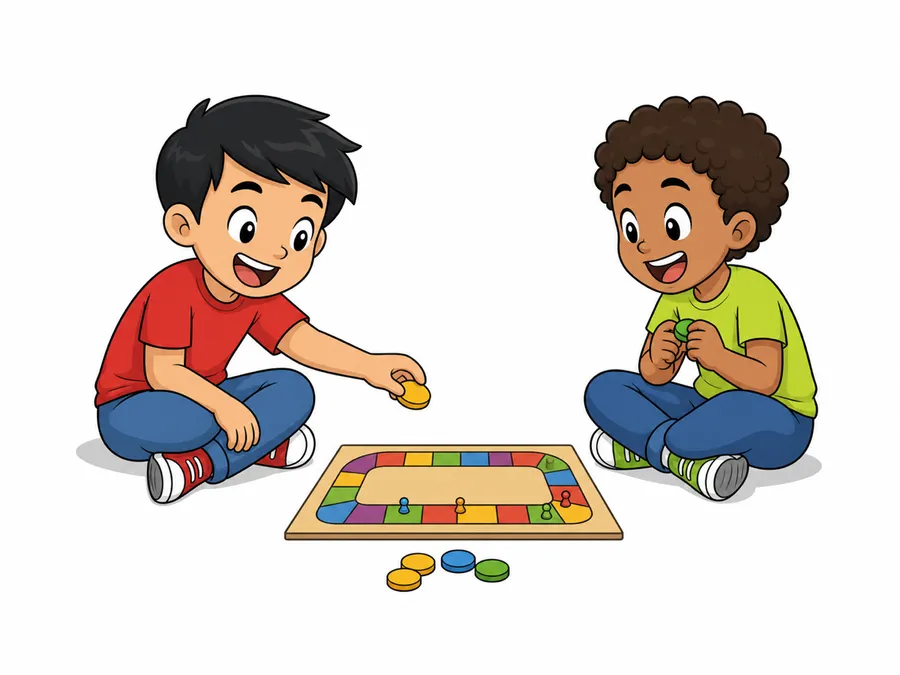
What are the best money games for kids by age?
The best money game depends on your child's age. For ages 3 to 6, pretend play and simple coin sorting teach that money is finite and that things cost money. For ages 7 to 12, allowance and saving games build the habit of setting money aside for a goal and sorting wants from needs. For teens 13 to 17, a budgeting or investing simulation works best because they are close enough to real financial life for it to land: Visa's Financial Football and PersonalFinanceLab are both free and widely used in classrooms. You do not need to buy anything to start. Free coins, a few jars, and one of the simulations cover every age. The games are the easy part. The lasting lesson comes from letting your child handle real money, make a real choice, and live with the result.
Kids learn money the same way they learn anything else: by doing it, getting it wrong, and trying again. A game gives them a safe place to make those mistakes. The trick is matching the game to where your child actually is. A 4-year-old needs to touch coins and sort them. A 15-year-old needs to feel what happens when a budget runs out before the month does. Below is a tier-by-tier guide, plus the free games and tools worth your time. For a deeper age-by-age breakdown with a side-by-side comparison table, see our full guide to the best money games for kids by age.
Ages 3-6: Recognition and pretend play
At this stage the goal is small: name the coins, notice that money buys things, and practice waiting. Young kids cannot grasp abstract value yet, so keep it physical.
- Coin sorting. Dump a jar of real coins on the table and sort by type. Naming and grouping builds the foundation for counting money later.
- Pretend store. Price a few toys with sticky notes, hand over play money, and let your child be the shopkeeper. They learn that things cost different amounts and that money leaves your hand when you buy.
- Three jars. Save, spend, and give. Even at 5, dropping a coin into the right jar teaches the first lesson of money: you decide where it goes.
The American Library Association's Thinking Money for Kids program offers four free browser games aimed at younger children that reinforce wants, needs, and saving without any signup.
Ages 7-12: Earning, saving, and choices
This is the sweet spot. Kids this age can count change, understand that saving means waiting, and start to feel the tension between what they want now and what they want more. Games here should involve real tradeoffs.
- Allowance and chores. Tie a small weekly amount to a few jobs so the connection between work and money is concrete. Our chore chart gives you a printable starting point, and the allowance calculator helps you pick an age-appropriate amount.
- Wants vs needs. Sorting purchases into wants and needs is the single most useful skill at this age. Walk through it together with the wants vs needs guide.
- Saving toward a goal. Pick something the child actually wants, set a target, and track it. The birthday money calculator turns a cash gift into a savings plan they can see.
For screen time, the FDIC's Money Smart program has free, age-graded activities for elementary and middle schoolers. It is curriculum-grade and costs nothing.
Ages 13-17: Budgeting and real-world simulation
Teens are close enough to real financial life that abstract games finally land. Now you want simulations: a paycheck, bills, and a month that has to balance. Mistakes here are cheap and the lessons stick.
- Run a budget. Have your teen build a monthly plan around real numbers, even imaginary income. The budget planner makes the categories obvious and shows when spending outruns income.
- Financial Football. Visa's Financial Football pairs trivia with a football format. It is free and works well for teens who tune out a worksheet.
- PersonalFinanceLab. PersonalFinanceLab runs a stock market and budgeting simulation used in high school classrooms. The free version is enough to get a teen investing pretend money and tracking results.
Quick reference by age
| Age | Skill to build | Game type |
|---|---|---|
| 3-6 | Coin recognition, waiting | Sorting, pretend store, jars |
| 7-12 | Earning, saving, wants vs needs | Allowance, goal tracking, sorting games |
| 13-17 | Budgeting, investing basics | Simulations, paycheck games |
How to pick a game that actually works
Three things separate a game your child learns from and one they forget by dinner. First, match the difficulty: a game that is too easy bores them, too hard frustrates them. Second, connect it to real money when you can. A pretend store teaches more when you follow it with a real trip to buy something with their own savings. Third, play along. Kids copy what their parents do with money far more than what a game tells them, so narrate your own choices out loud while you play.
You do not need to buy anything to start. Free coins, a few jars, and one of the simulations above cover every age. The games are the easy part. The lasting lesson comes from letting your child handle real money, make a real choice, and live with the result.
Frequently Asked Questions
-
Around age 3, when children can recognize coins and grasp that money buys things. A 2013 University of Cambridge study found that money habits are largely set by age 7, so the early years matter. Keep it physical at first: sorting coins and using play money in a pretend store.
-
Yes. The American Library Association's Thinking Money for Kids offers four free browser games, the FDIC's Money Smart program has free age-graded activities, and Visa's Financial Football is free for teens. None require payment and most need no signup.
-
For teens, a budgeting or investing simulation works best because they are close enough to real financial life for it to land. Visa's Financial Football and PersonalFinanceLab are both free and widely used in classrooms. Pair either with a real monthly budget exercise for the strongest result.
-
Games let kids make real tradeoffs and live with the consequences in a low-stakes setting. Sorting wants from needs, saving toward a goal, and running out of a pretend budget all build judgment that lectures cannot. The lesson sticks fastest when you connect the game to real money soon after.

Raise kids who understand how money works
Download the app, add your child, and connect their phone or tablet by scanning a code. About a minute, no email needed for kids.


No ads. No data selling. No credit card.
Put this into practice this week
Add your child in Penny Time and, on their own phone or tablet, they can watch a real balance grow, take on quests, and ask for cash-outs you approve. Free for the whole family.